
Smart greenhouse
Smart Greenhouse Monitoring and Control System
Sensor readings and equipment control for greenhouse growers
Monitor temperature, humidity and light, and control fans, pumps, shade curtains and grow lights. Sensors, switching circuits and the gateway are selected for the crop, equipment and site network.
Orchid nursery deployment
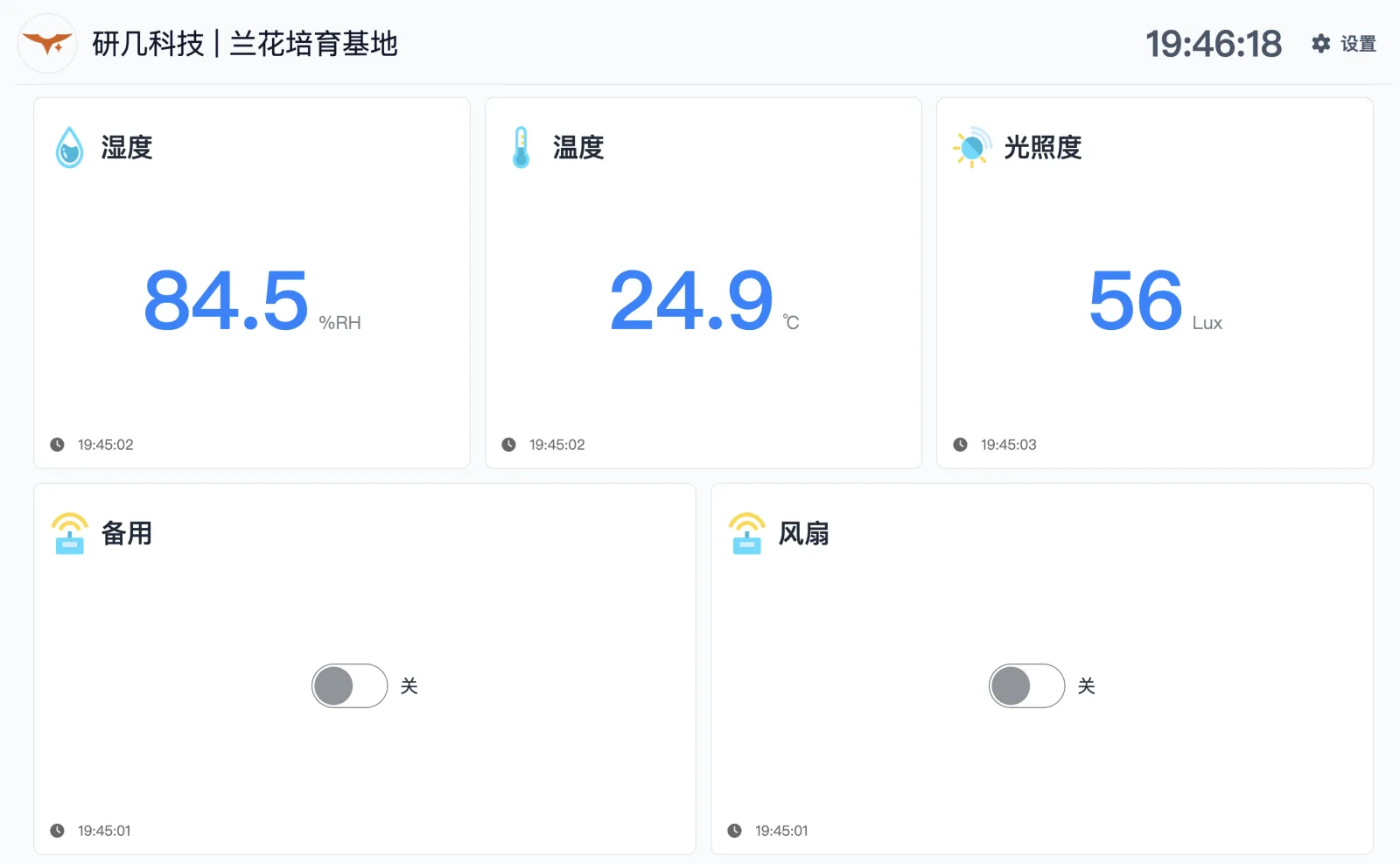
One cabinet reads temperature, humidity and light, and switches the nursery’s ventilation fan. Staff use the touch panel or phone app to operate the fan outside its daily schedule.
- Crop
- Orchids
- Sensors
- Temperature, humidity, light
- Outputs
- Fan + one spare
- Gateway
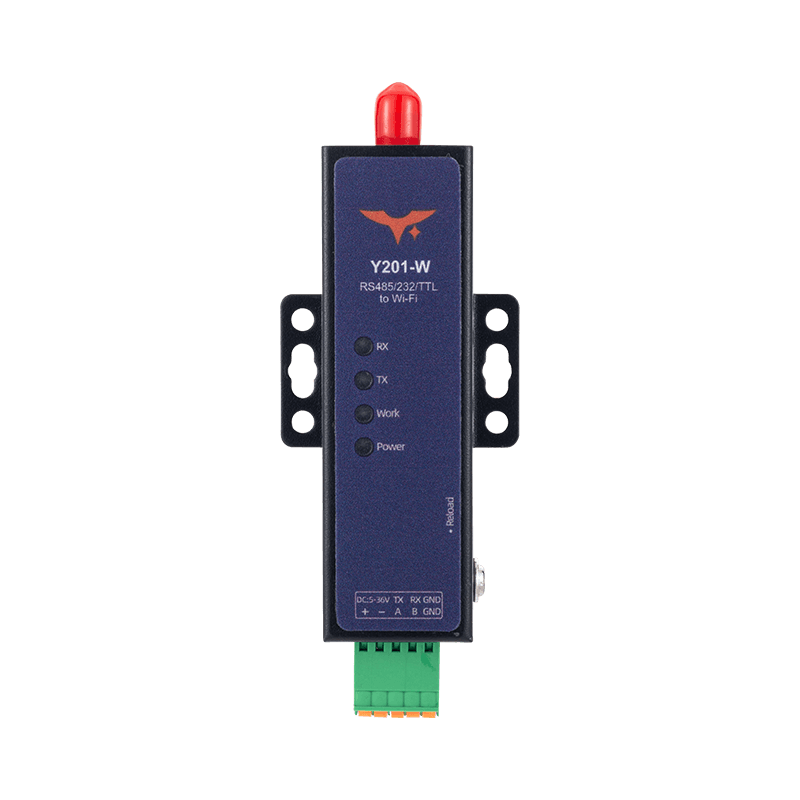
- Y201-W · Wi-Fi
- Daily schedule
- 08:00–13:00
- Access
- Panel · app · web
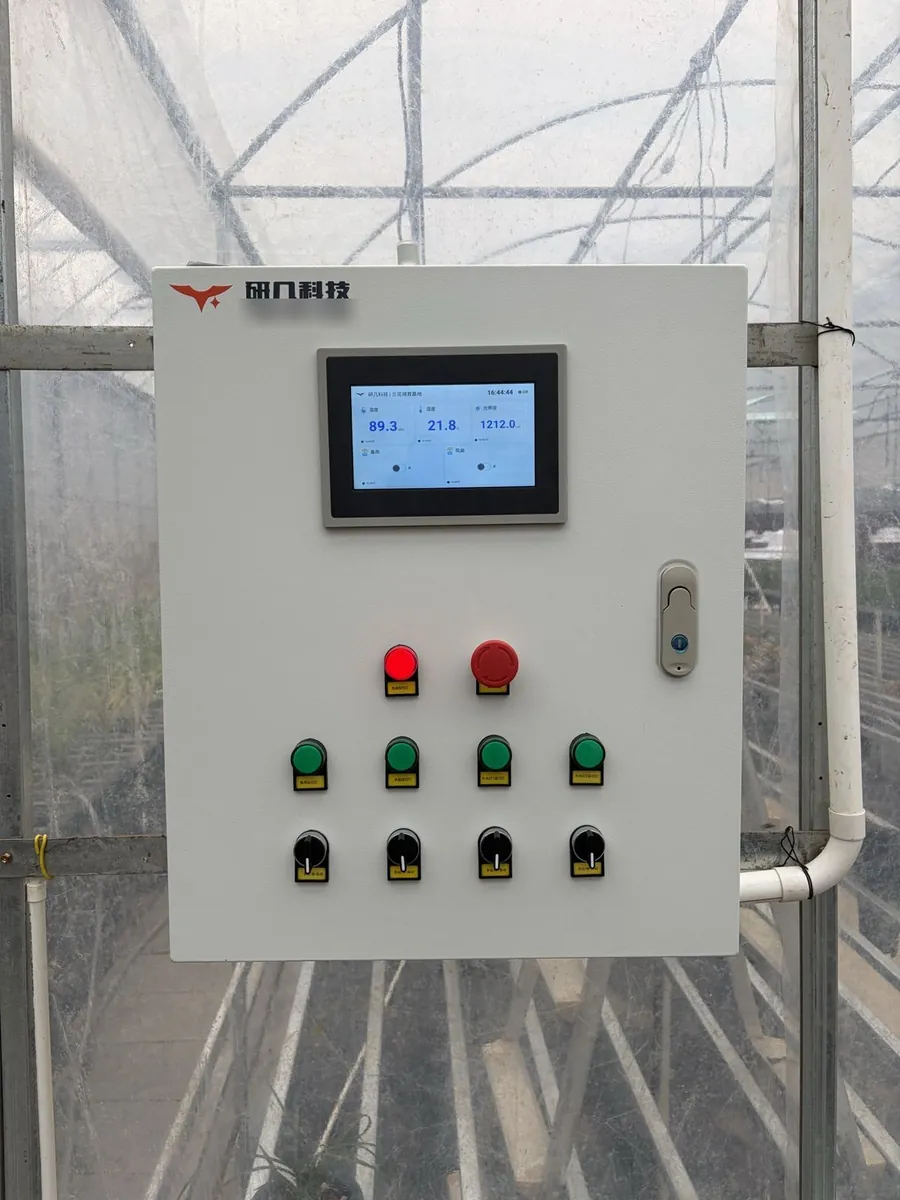
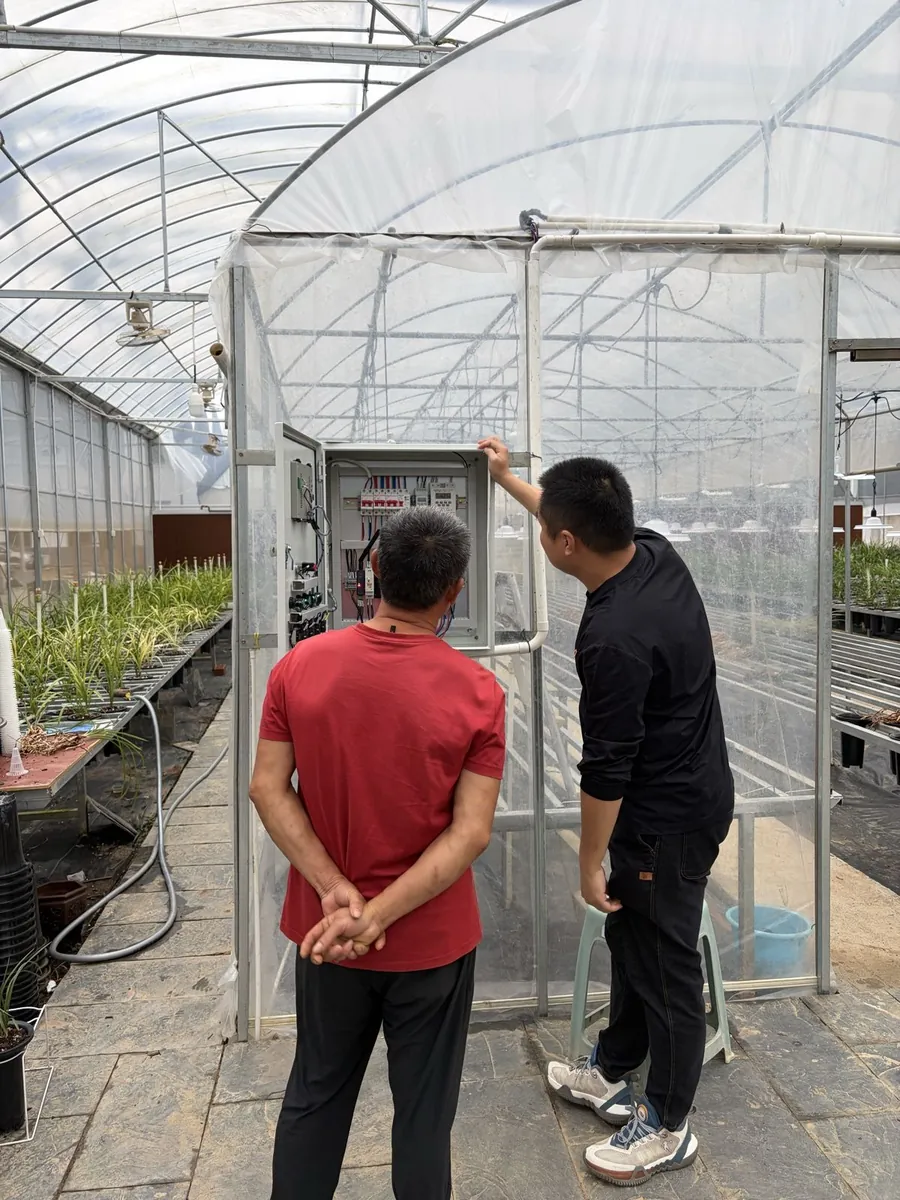
Inside the cabinet
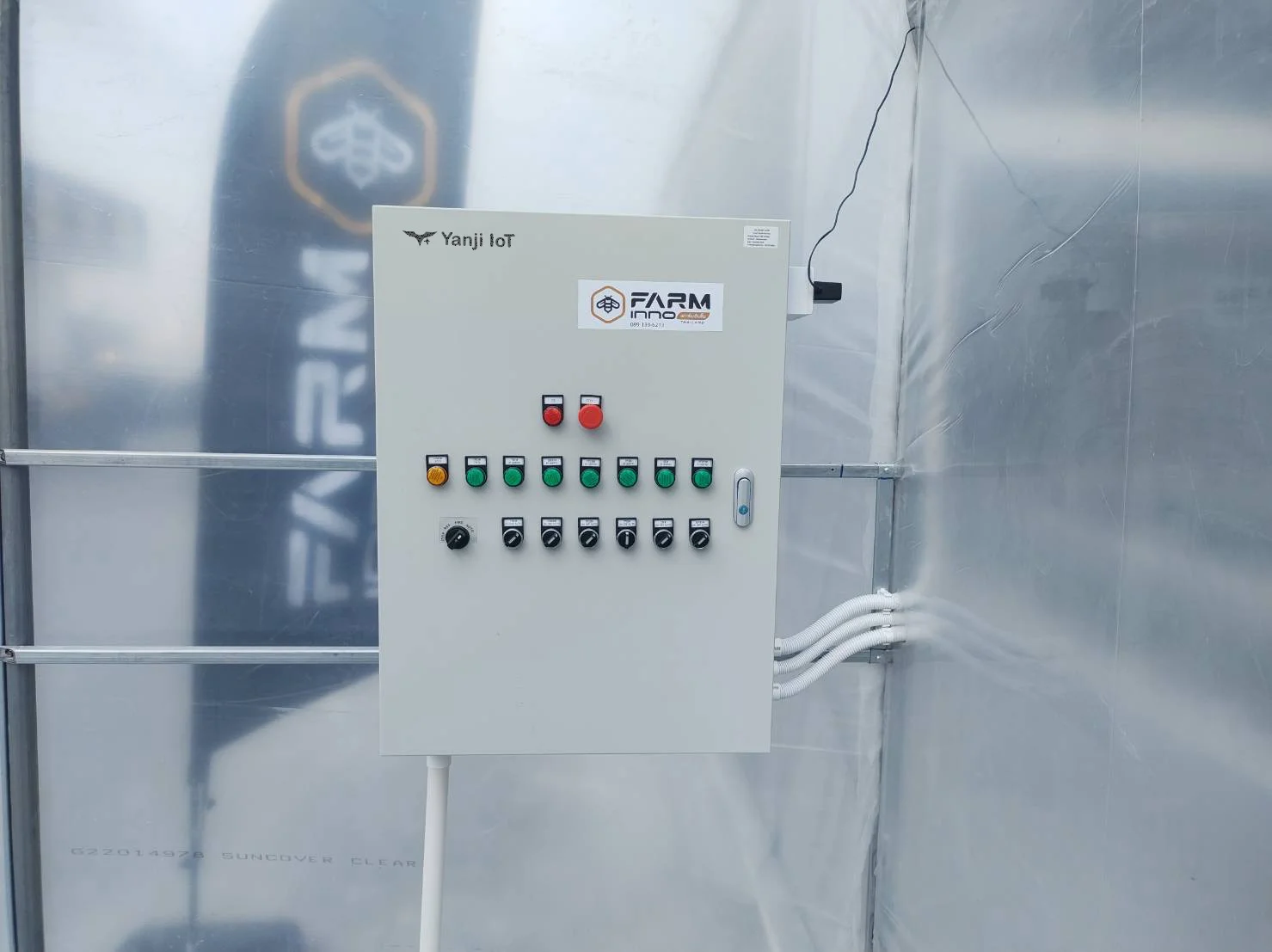
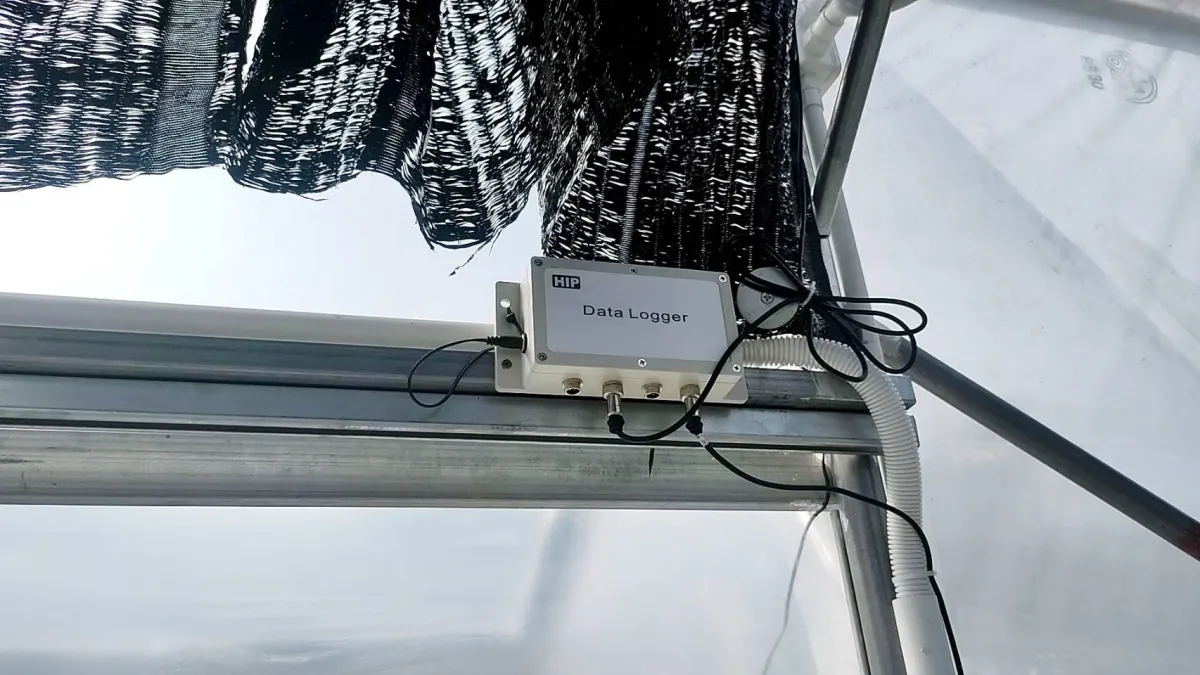
Sensors and relays share an RS485 line. A serial gateway connects the cabinet to YenGear IoT Cloud.
Sensors on RS485
RS485 Modbus sensors measure temperature, humidity and light. CO₂ and soil moisture require additional sensors.
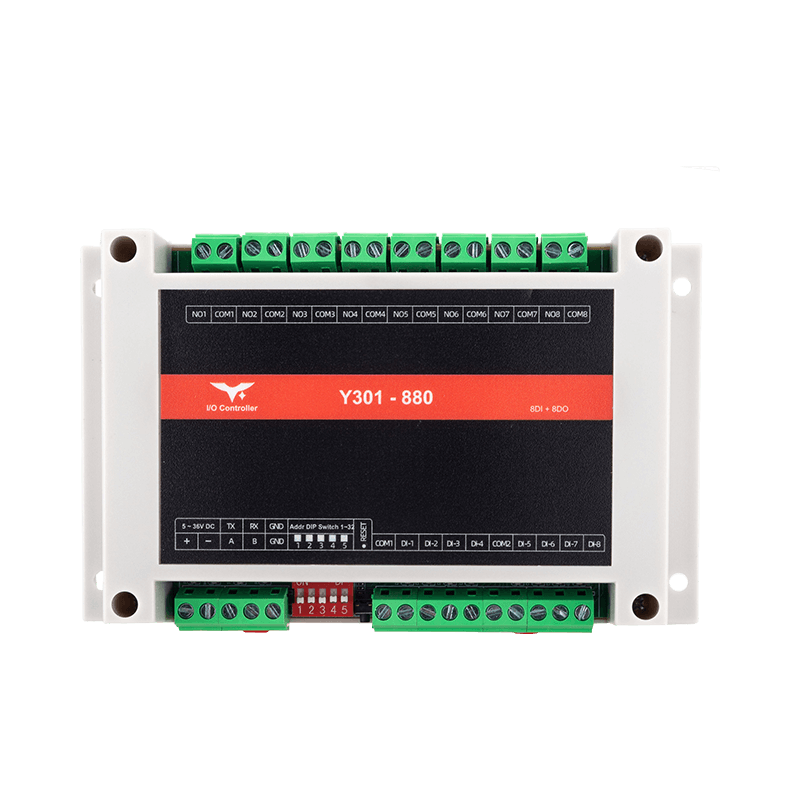
Relay module
Y301-880 provides eight relay outputs and eight isolated digital inputs, with up to 16 local DI-to-output rules. External sensor readings reach the cloud through the gateway.
YenGear IoT Cloud
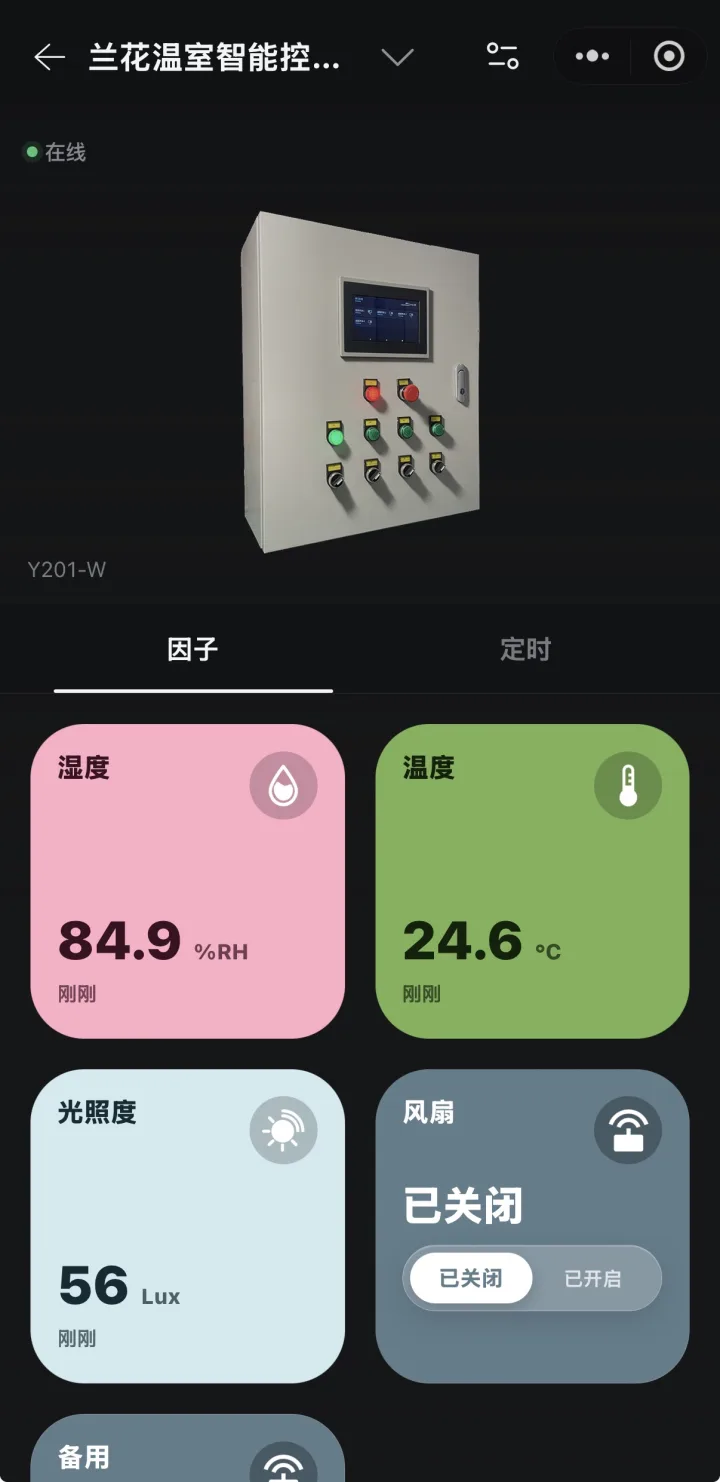
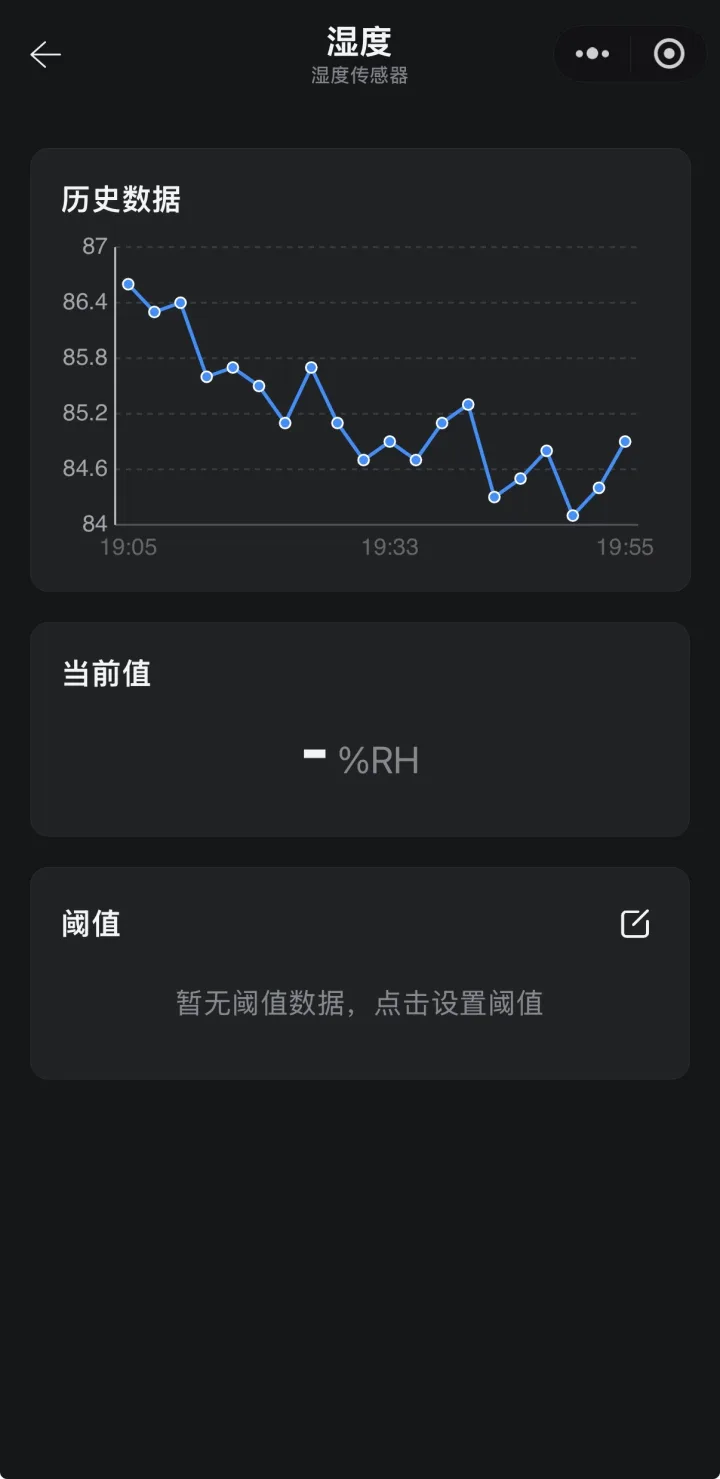
View readings, issue switch commands and manage cloud schedules, alerts and history on the web or phone app. The cabinet touch panel displays measurements and equipment controls on site.
Explore IoT CloudRemote monitoring and control in the app
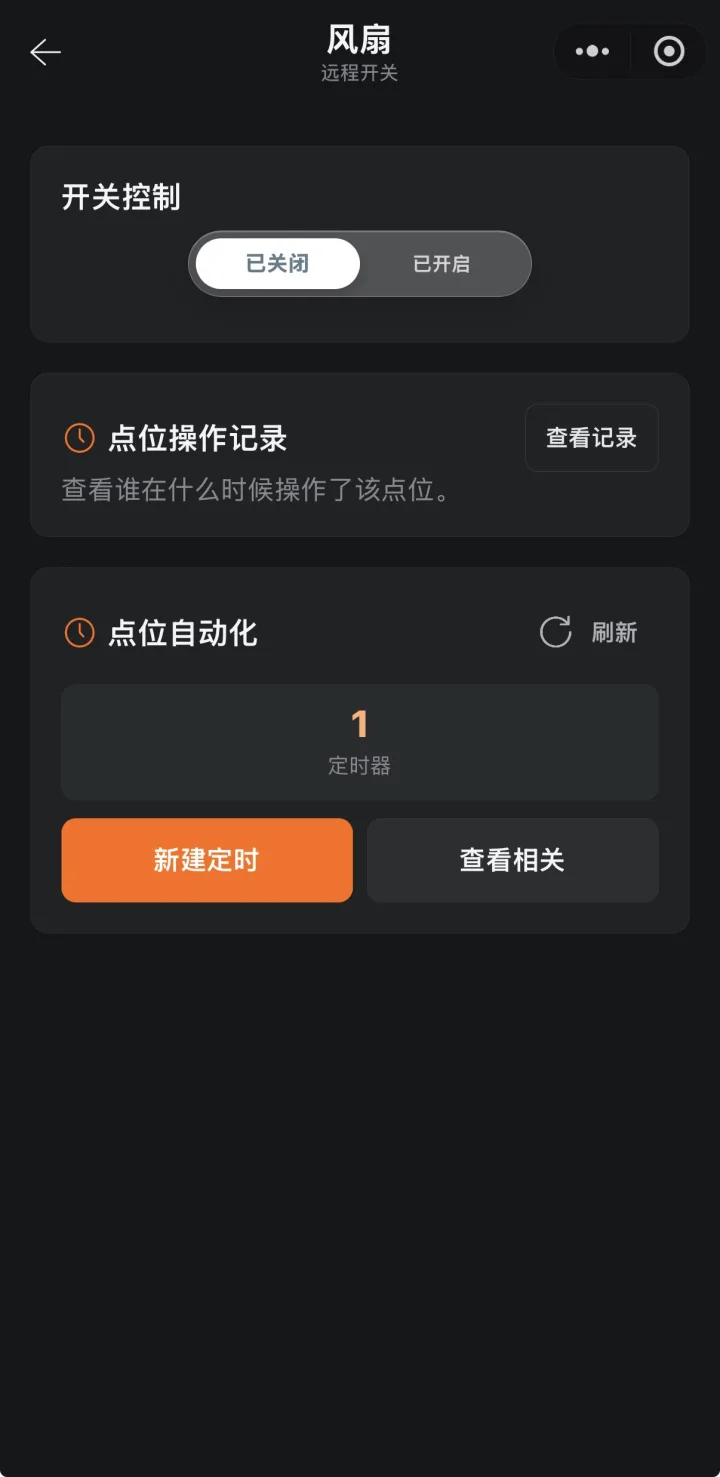
Check live readings, operate connected equipment remotely and manage schedules. The nursery uses the Chinese-language app shown here.
Sensors and equipment by crop
Sensor selection follows the crop. Equipment voltage, motor power, control signals and circuit count determine the cabinet configuration.
| Crop | Typical measurements | Equipment to control |
|---|---|---|
| Tomatoes, cucumbers, peppers | Temperature, humidity, CO₂, soil moisture | Vents, fans, drip irrigation |
| Roses and lilies | Light, temperature, humidity | Shade curtains, grow lights, fans |
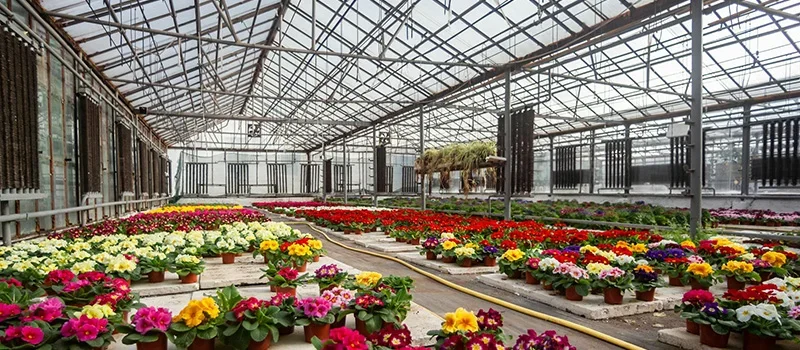
| Orchids and pot plants | Humidity, temperature, light | Fans, misting, shade curtains |
| Seedlings | Temperature, humidity, light | Misting, heating, grow lights |
FAQ
Existing equipment, site networks, offline operation and preparing a greenhouse quote.
Can I use existing greenhouse sensors and equipment?
Yes, where their interfaces match the cabinet. RS485 sensors need a protocol, register-map and power check. Fan, pump and curtain circuits must match the switching and protection components. Share sensor models and equipment voltage and power.
What if the greenhouse has no Wi-Fi?
Use Y201-G where 4G coverage is available, or Y201-R where an Ethernet cable reaches the cabinet. Gateway choice follows the network at the cabinet location.
What happens if the internet connection fails?
The app stops receiving new readings, and cloud-timed actions cannot reach the cabinet. Local control uses the rules already configured on Y301-880 or the cabinet’s manual switches; it requires local power.
Does an on-screen switch confirm that the fan is running?
No. An output state alone does not confirm fan or pump operation. Actual running status requires a run contact, current measurement or another suitable feedback signal wired into the monitoring system.
Can growers change the fan schedule themselves?
Yes. Users with the appropriate project permissions select the output, start time and run duration in the app. These cloud schedules require the cabinet to be online.
Can one account manage several greenhouses?
Yes. Organize greenhouses as projects with their own devices and members. Give staff access to the projects they operate.
Can I export readings for growing records?
Yes. Historical readings can be exported for configured data points and a selected date range. Available fields, retention and export format follow the project setup.
What affects the quote and installation time?
Greenhouse count, sensors, control circuits, equipment ratings, existing wiring and network access determine the hardware and installation work. Send the details through the greenhouse quote form for a proposed configuration, price and schedule.
Your greenhouse project
Request a Greenhouse Quote
Describe your growing areas, equipment and site network. We’ll recommend a cabinet configuration and prepare a quote.
- Crops, greenhouse count and approximate size
- Sensor models or measurements you need
- Fans, pumps and other equipment: quantity, voltage and power
- Wi-Fi, Ethernet or 4G coverage near the cabinet
We reply within 1 business day. Share the details you know; equipment models can be added later.