01 / IP NETWORK
Serial equipment to SCADA or a server

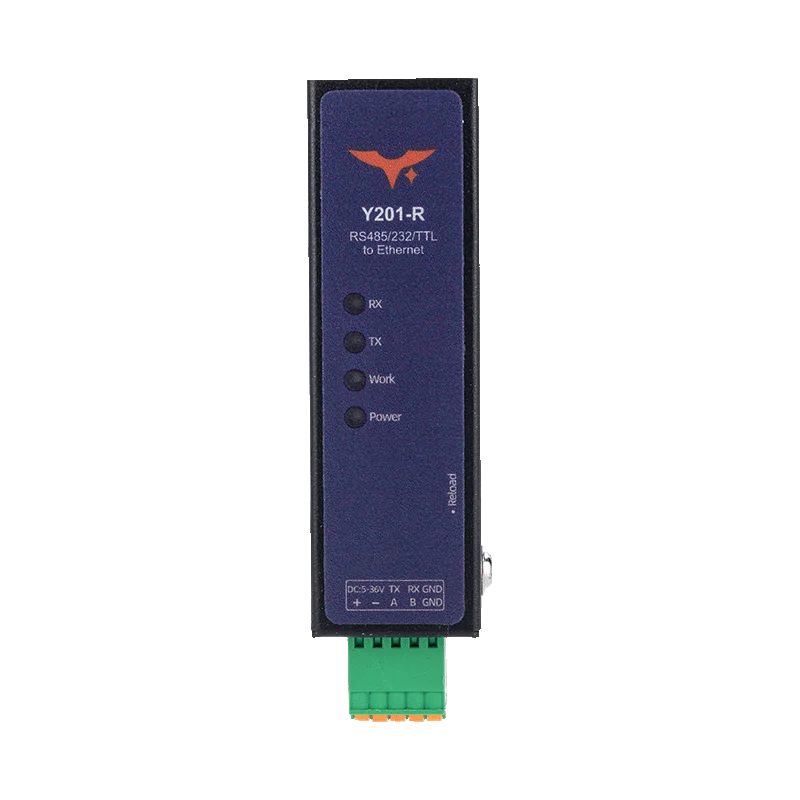
Y201-R example: forward serial data over TCP/UDP, or enable Modbus RTU-to-TCP for a Modbus TCP host. Wi-Fi and cellular models use their own network uplinks.
Connect RS232 and RS485 equipment to Ethernet, Wi-Fi, 4G or LoRa.
Read meters, bring PLCs onto an IP network or replace a wired serial link. Choose a gateway by the network at your site and the serial interfaces on your equipment.
Start with your equipment and the connection available at the site.
Bring serial equipment into a wired SCADA or building-management network.
Compare Ethernet models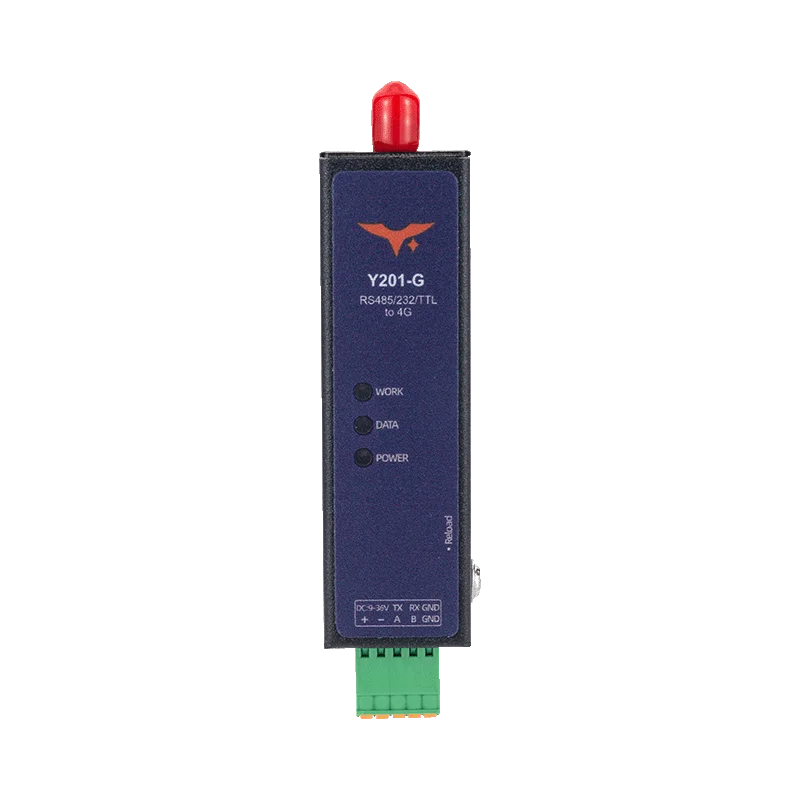
Send serial data from sites with cellular service and no wired Internet connection.
Compare 4G models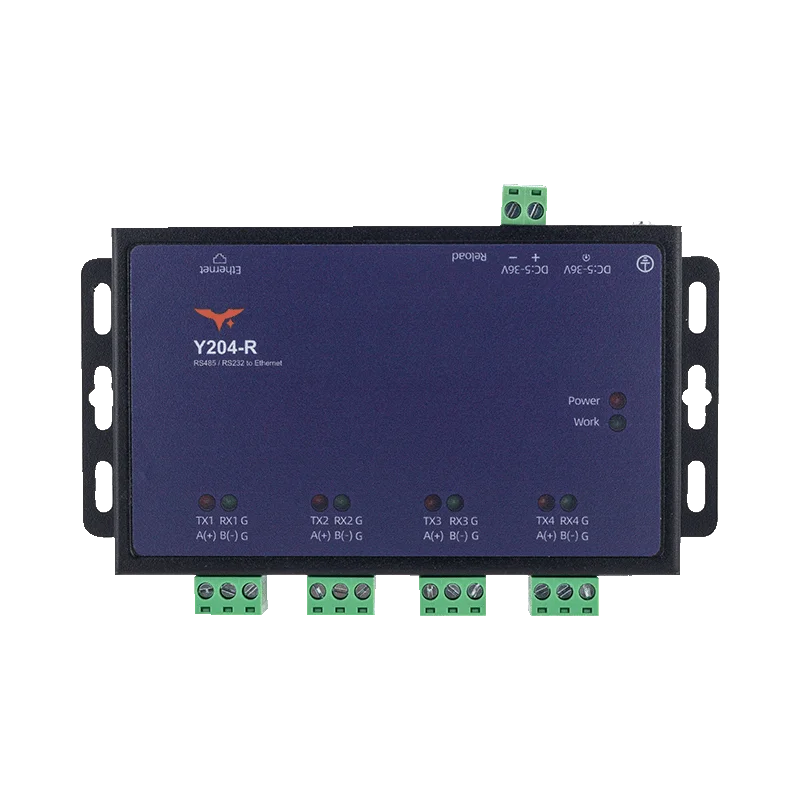
Connect separate instruments through a multi-port Ethernet gateway.
Compare Ethernet models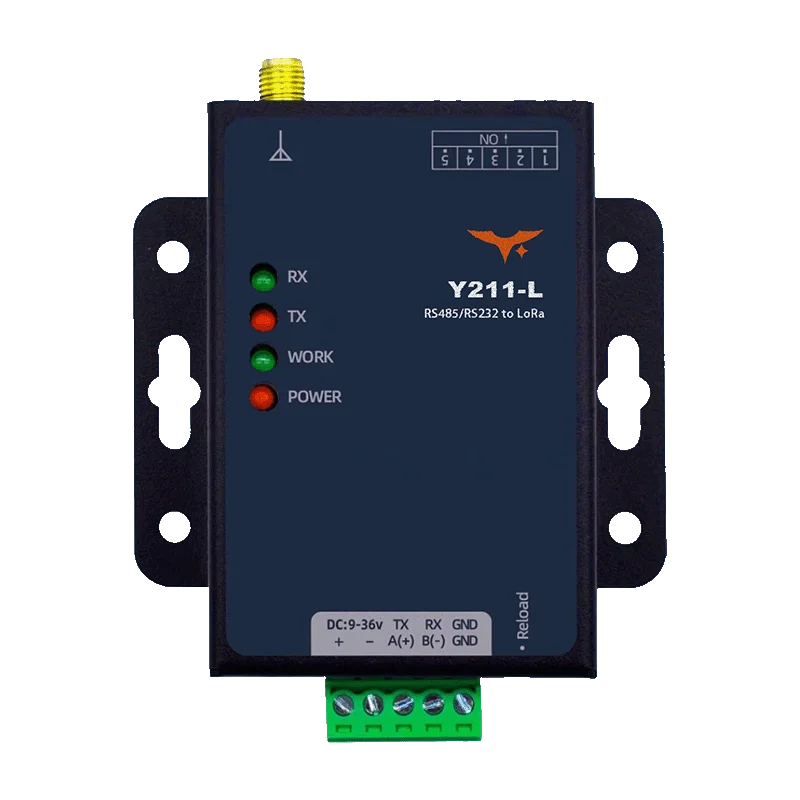
Bridge serial devices over LoRa where a new cable run is impractical.
Compare LoRa modelsIP gateways connect equipment to a host network. LoRa DTUs bridge serial communication between two locations.
Y201-R example: forward serial data over TCP/UDP, or enable Modbus RTU-to-TCP for a Modbus TCP host. Wi-Fi and cellular models use their own network uplinks.

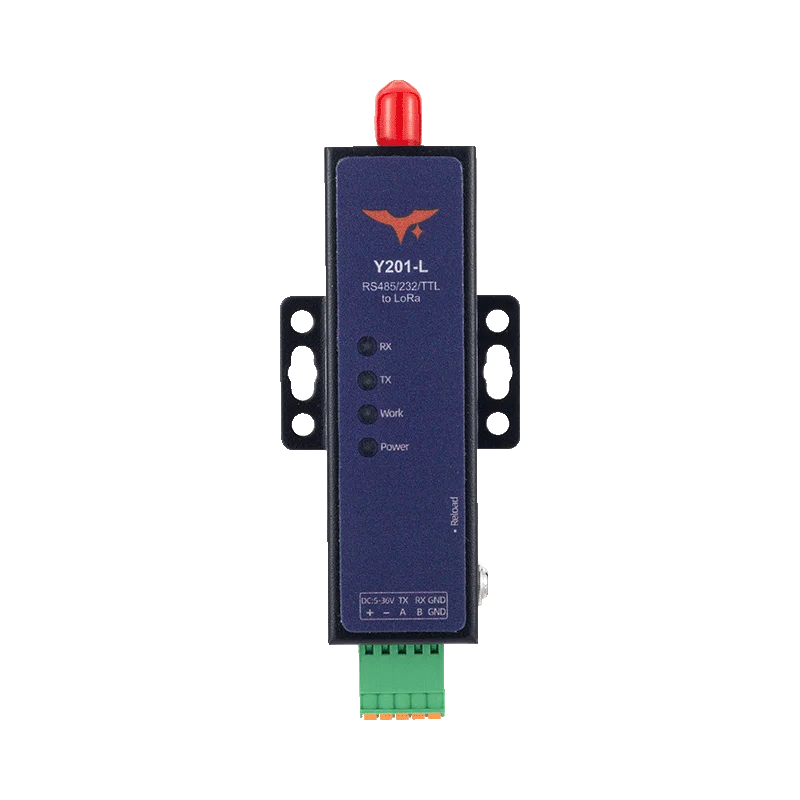
Connect a compatible LoRa DTU at each end and match the serial and radio settings. Y201-L and Y211-L carry serial data; cloud access needs an additional IP connection.
Compare the network connection, physical serial interfaces and model-specific functions.
11 models · all networks
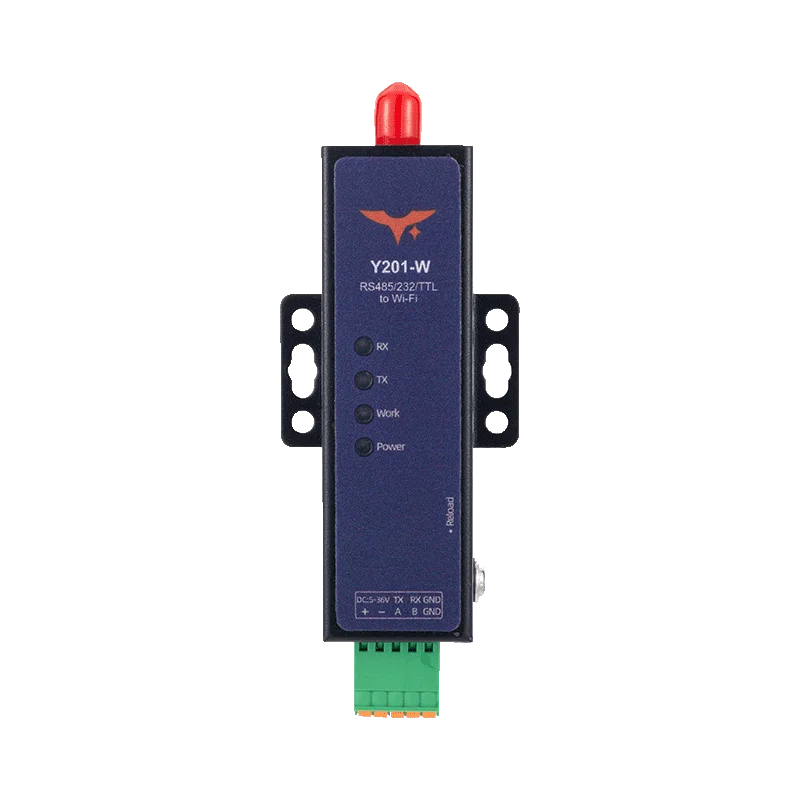
Y201-R, Y201-W and Y201-G each provide one physical serial port. Choose the interface when ordering.
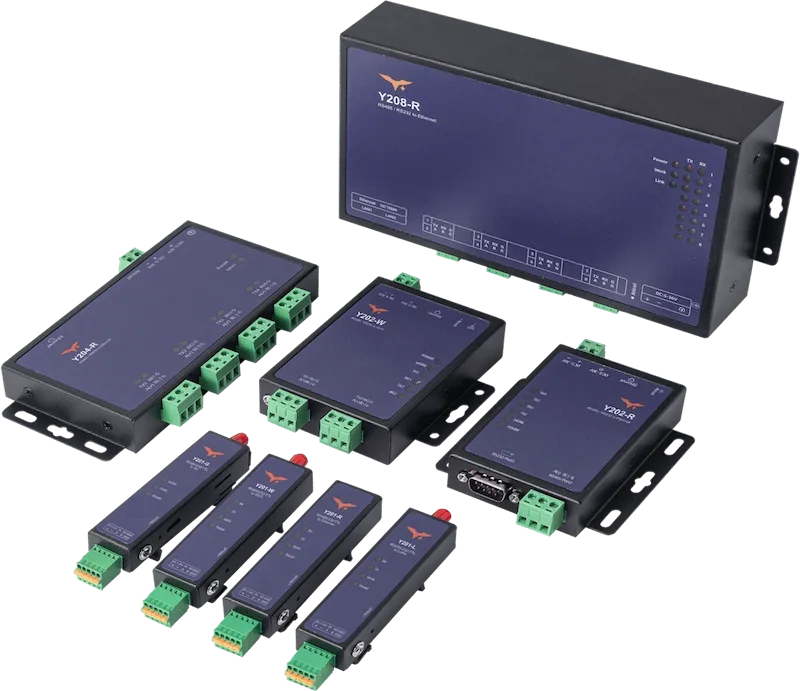
Keep separate serial buses on one gateway. Y202 offers mixed RS232/RS485 SKUs; Y204 and Y208 offer all-RS232 or all-RS485 SKUs.
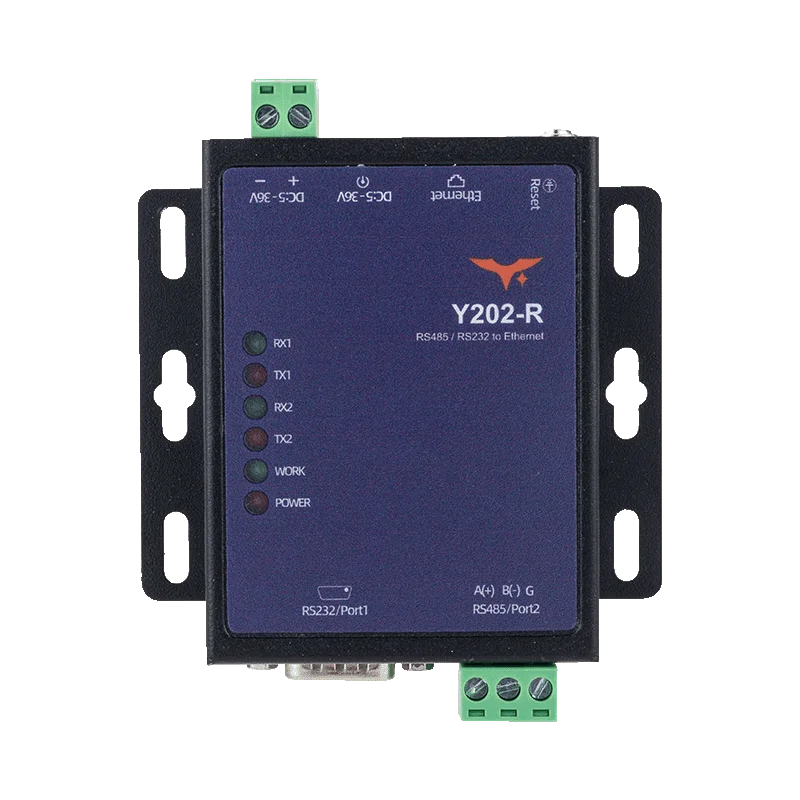
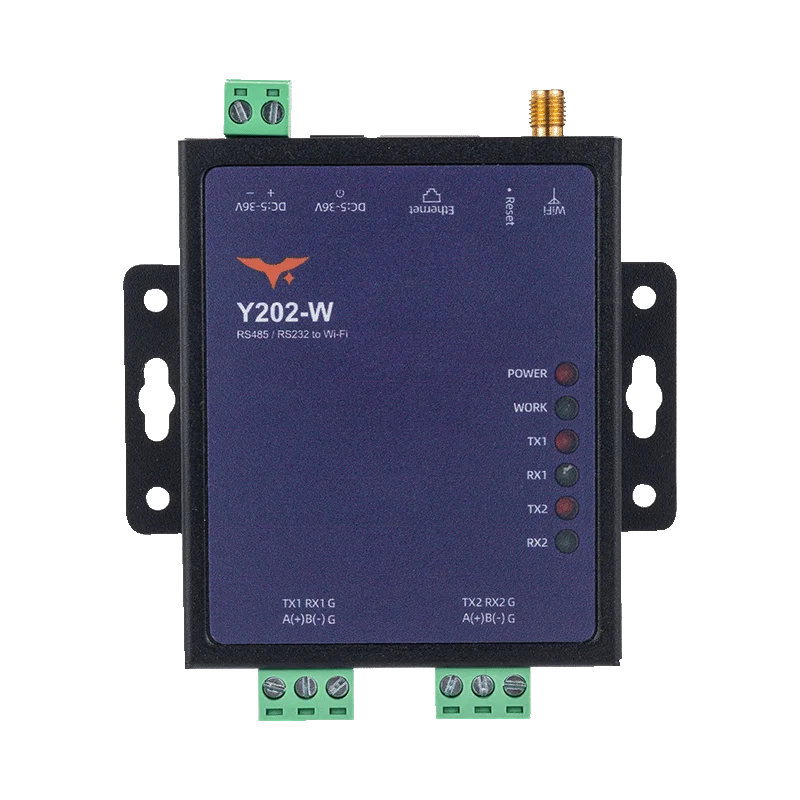
2×RS232, 2×RS485 or one of each
Two independent serial channels over Ethernet.
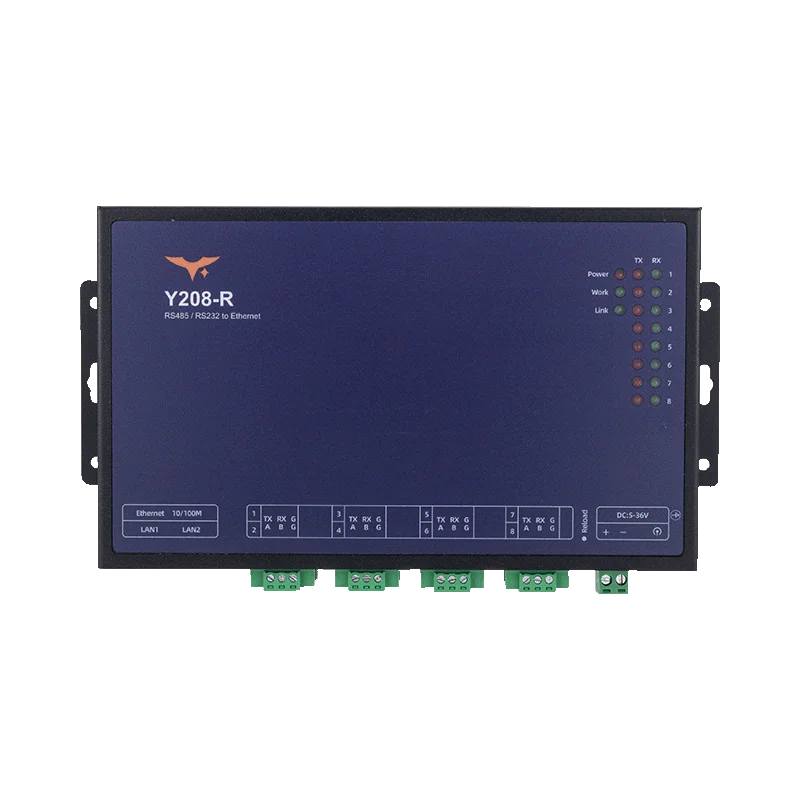
8×RS232 or 8×RS485
Eight independent serial channels; dual Ethernet ports.
Use a compatible LoRa DTU at each end. Radio range depends on antenna placement, mounting height, walls and metal structures.
Y212-G adds local I/O to cellular serial networking. Y212-GWR adds Ethernet and Wi-Fi routing with automatic uplink switching.
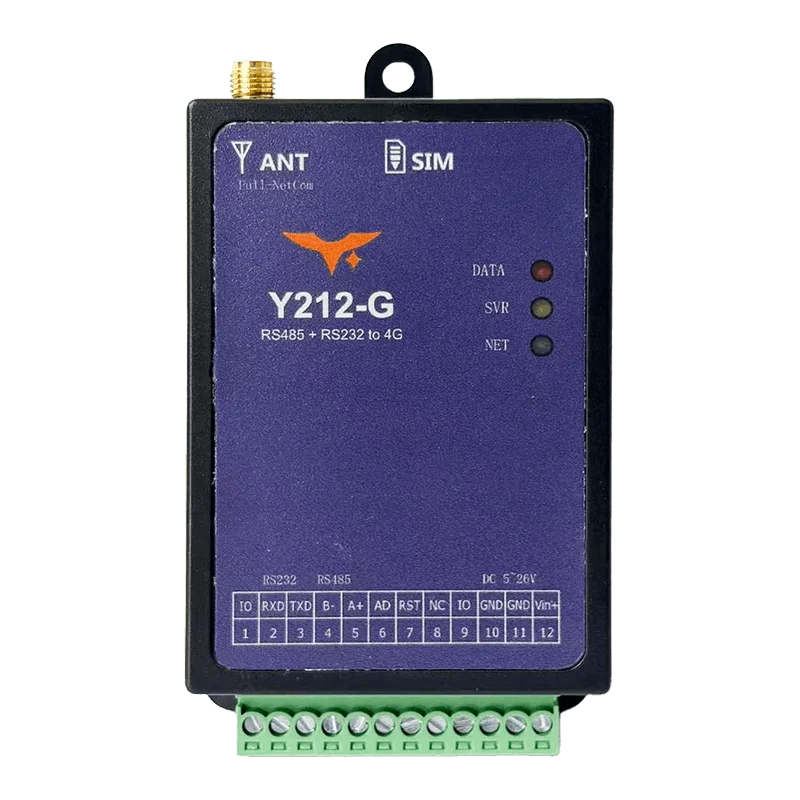
RS232 / RS485; TTL on current Qualcomm hardware
LTE Cat.4, two digital I/O and one analog input.
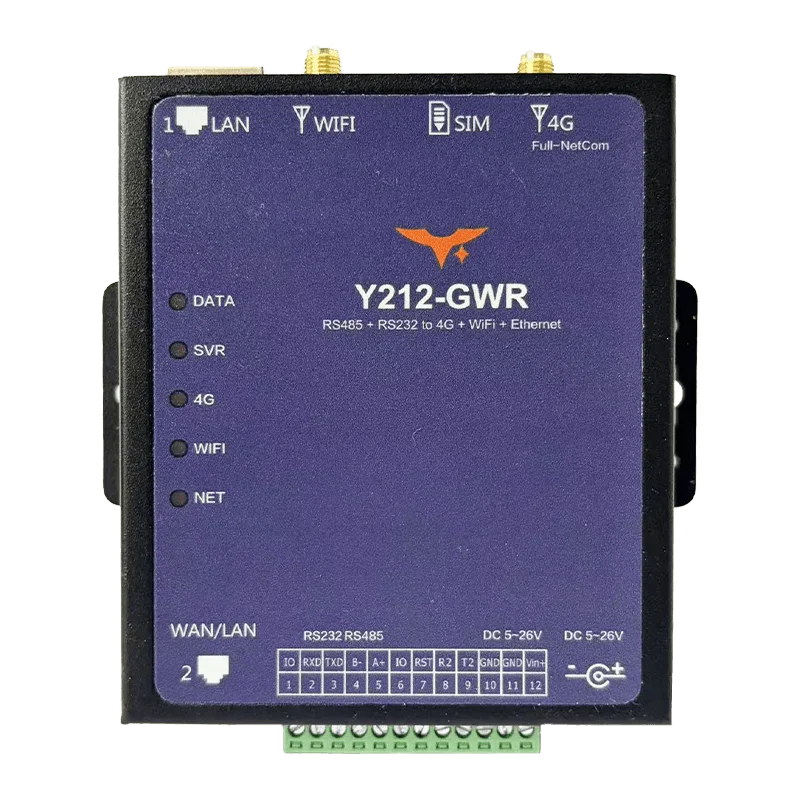
RS232 / RS485; TTL on some versions
LTE Cat.4, 2.4 GHz Wi-Fi and two RJ45 ports; uplink failover.
| Model | Network | Physical serial connection | Interfaces | DC supply |
|---|---|---|---|---|
| Y201-R | Ethernet | 1 serial port | RS232 or RS485 or TTL | 5–36 VDC |
| Y201-W | Wi-Fi | 1 serial port | RS232 or RS485 or TTL | 5–36 VDC |
| Y201-G | 4G | 1 serial port | RS232 or RS485 or TTL | 9–36 VDC |
| Y202-R | Ethernet | 2 serial ports | 2×RS232, 2×RS485 or one of each | 9–36 VDC |
| Y202-W | Wi-Fi | 2 serial ports | 2×RS232, 2×RS485 or one of each | 5–36 VDC |
| Y204-R | Ethernet | 4 serial ports | 4×RS232 or 4×RS485 | 9–36 VDC |
| Y208-R | Ethernet | 8 serial ports | 8×RS232 or 8×RS485 | 9–36 VDC |
| Y201-L | LoRa | 1 serial port | RS232 or RS485 or 3.3 V TTL | 9–36 VDC |
| Y211-L | LoRa | 1 serial port | RS232 or RS485 or 3.3 V TTL | 9–36 VDC |
| Y212-G | 4G | Main serial + secondary UART | RS232 / RS485; TTL on current Qualcomm hardware | 6–28 VDC |
| Y212-GWR | 4G / Wi-Fi / Ethernet | Main serial; optional secondary UART | RS232 / RS485; TTL on some versions | 6–26 VDC |
RS232, RS485 or TTL; physical port count, baud rate, parity and device addresses.
Transparent serial data or Modbus RTU-to-TCP; host protocol and server endpoint.
LAN or Wi-Fi access, deployment country and cellular operator, or LoRa distance and obstructions.
Supply voltage, cabinet space, temperature and antenna mounting location.
Read the model documents for wiring and setup, check cellular coverage or browse available products.
Serial ports, network protocols, LoRa links and cellular model selection.
Ethernet suits a site with a wired LAN. Wi-Fi suits an existing WLAN. 4G needs a suitable SIM, operator coverage and supported cellular bands. LoRa connects serial equipment across a private radio link; Internet access requires an additional network bridge.
Y201-G/W/R and Y202/Y204/Y208 IP models support Modbus RTU-to-TCP conversion when enabled. Transparent mode forwards serial data without this conversion. Y201-L and Y211-L carry serial data over LoRa; they do not provide an Ethernet Modbus TCP endpoint.
No. Socket A and Socket B are logical network connections. Each Y201 model has one physical serial port. Y202 has two, Y204 has four and Y208 has eight independent serial ports.
Each Y201 model, including Y201-W, has one physical serial port. Choose the RS232, RS485 or TTL interface when ordering. Y201-G, Y201-W and Y201-L list 1,200–460,800 bps, with a default of 9,600 bps. The Y201-R specification lists a default of 9,600 bps; ask us to check a different baud rate. Y212 serial settings differ by model.
Both bridge one serial port over LoRa in the 410–493 MHz band. Y201-L lists 22 dBm and up to 5 km; Y211-L lists up to 30 dBm and about 10 km in open areas. Walls, metal structures, antenna placement and mounting height affect the usable range. Choose the frequency and power settings permitted at the deployment site.
Y212-GWR combines LTE Cat.4, 2.4 GHz Wi-Fi and two Ethernet ports. One RJ45 port is fixed LAN; the second defaults to WAN and can switch to LAN. Uplink switching uses WAN, Wi-Fi and 4G. Y212-G provides cellular serial access with two digital I/O and one analog input.
Country and operator support follows the installed modem bands. The current Y201-G and Y212 models do not cover several common North American LTE bands, and coverage in Europe and Australia needs an operator-specific check. Send the deployment country and operator, or use the country coverage guide.
What equipment do you need to connect? Tell us the serial interface, network at the site and deployment country. We’ll help you choose a gateway — no model number needed.