



Y901
Multi-Point Wireless Alarm
One-Tap Trigger · Multi-Point Alarm
Key Features
Auto-Networking
Nodes self-organize on power-up. Automatic relay routing extends coverage up to 5 km (10 km optional).
Simultaneous Alert
ne trigger activates all nodes. Millisecond-level sync across the network.
Multiple Triggers
Latching button, dry contact input, remote command, or custom logic.
Auto Relay Network & Real-Time Alarm
The product adopts a multi-point wireless auto-relay networking architecture. When any node is triggered, the alarm status is synchronously transmitted to all nodes, enabling “one-trigger, multi-point alarm.”
Multiple Triggering Methods
Including button activation, sensor triggering, remote command activation, and more.

By Button
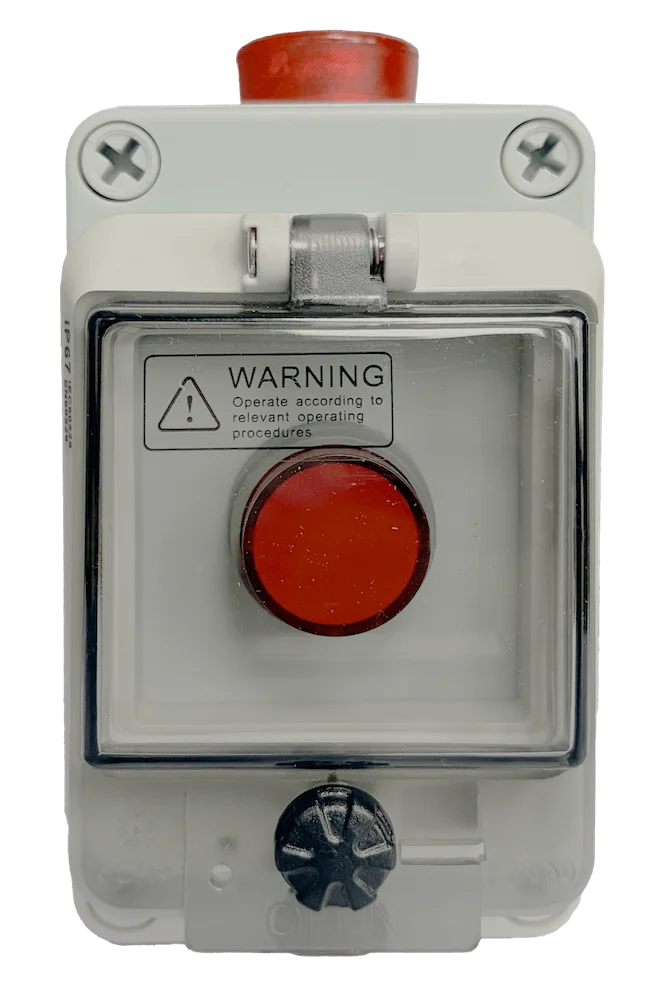
The device has a built-in red alarm button. In case of an emergency, pressing the button will trigger alarms.
By Sensor
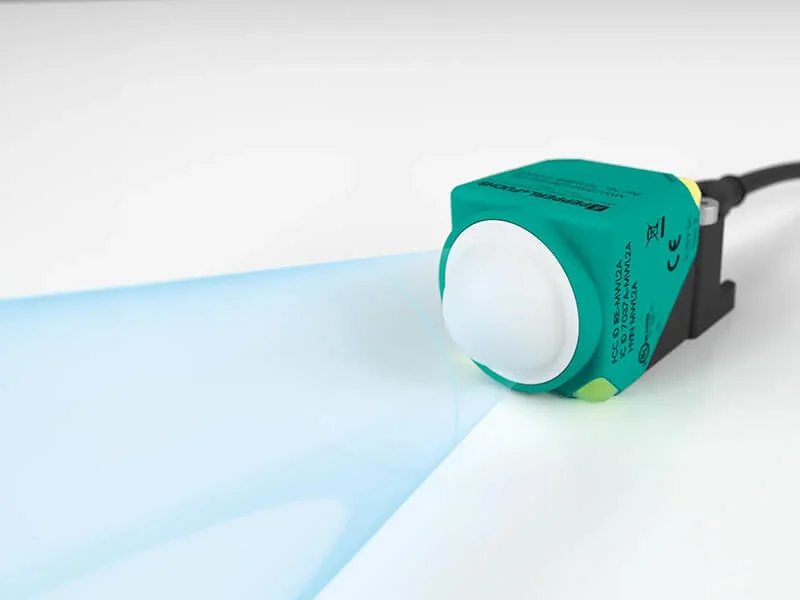
Supports the connection of various dry contact sensors such as door magnets, floats, and infrared sensors.

Remote
Alarms can be triggered by remotely commands, making it suitable for integration with existing systems.

Customize
Supports customized alarm triggering methods, such as API integration, timed triggering, making it flexible and adaptable to complex scenarios.
Use Cases
More than 20 customers have used this product for emergency alarms & braking.
Mode Comparison
The Y901 offers both 4G and LoRa versions to meet different scenarios.
| Parameters | Y901-G | Y901-L |
|---|---|---|
| Communication | 4G LTE | LoRa |
| Networking | Cloud-based networking | Local self-organizing network with automatic relay |
| Distance | Unlimited (depends on carrier network coverage) | 5km (unobstructed), optional 10km |
| Applications | Cross-region, platform-connected alarm networking scenarios | On-site multi-node wireless linkage, long-distance coverage scenarios |
| Power | 9~36V DC | 9~36V DC |
Note: The G version and L version are identical in core functions such as audible and visual alarms, triggering methods, and protection ratings. The main difference lies in communication methods and networking architecture. Both versions support mixed networking (requires platform support) and can be flexibly combined according to on-site environment.
Documents & FAQ
Datasheets
How long does it take for other nodes alarm when one node issues an alarm?
Once any node is triggered, the alarm status is wirelessly synchronized to all nodes within 2-10 seconds.
How do I deactivate an alarm after it has been triggered?
After the self-locking switch is triggered, the button needs to be manually reset on-site. If the sensor is triggered, the abnormal state (such as door closed or water level drop) needs to be cleared.